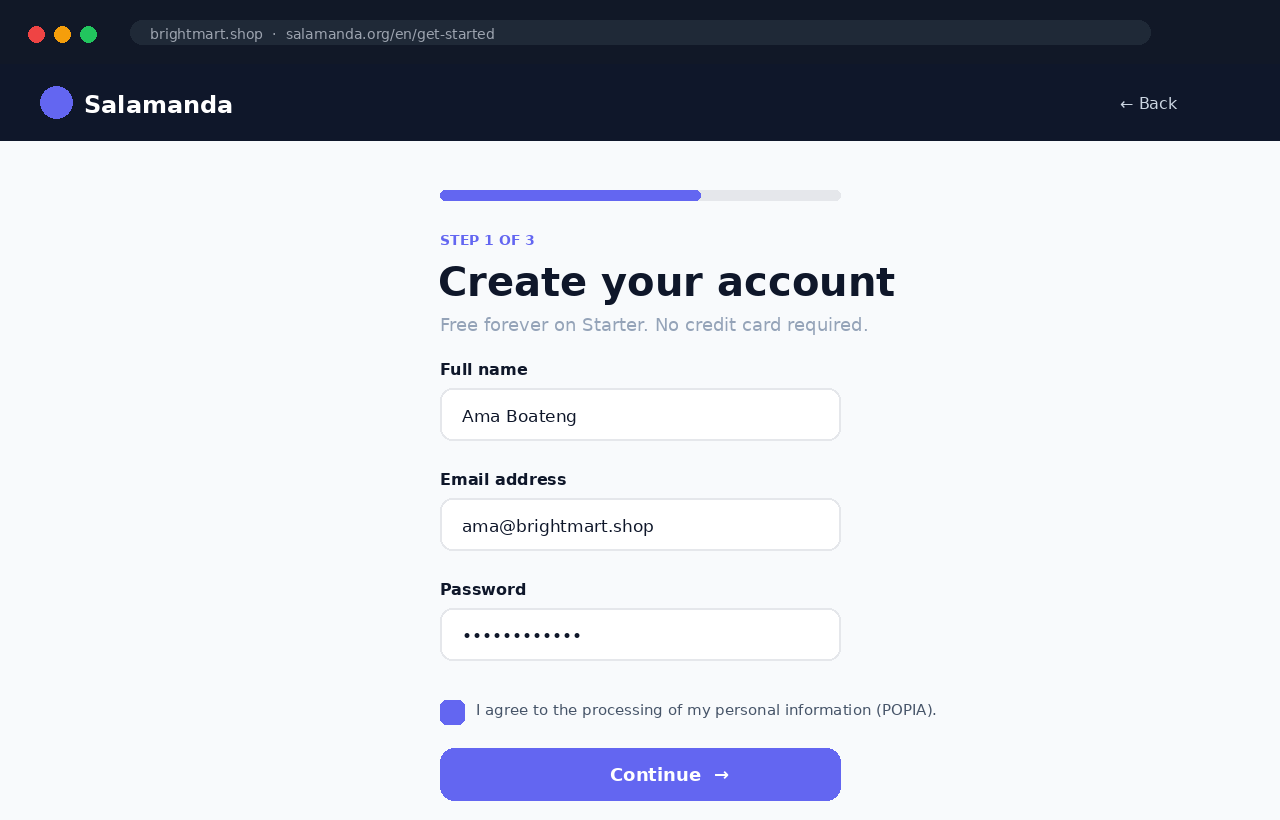
Create your account
Choose Get started. Enter your name, an email you can access and a password of at least eight characters. Read the privacy terms and provide the requested consent.
Name your business
Enter your business name and choose an available plan. Keep the setup page open while your workspace is prepared. Use the verification email to confirm your address.
Open your workspace
When setup completes, follow the dashboard link shown in the wizard. Sign in, add a product and verify your store settings before inviting your team.