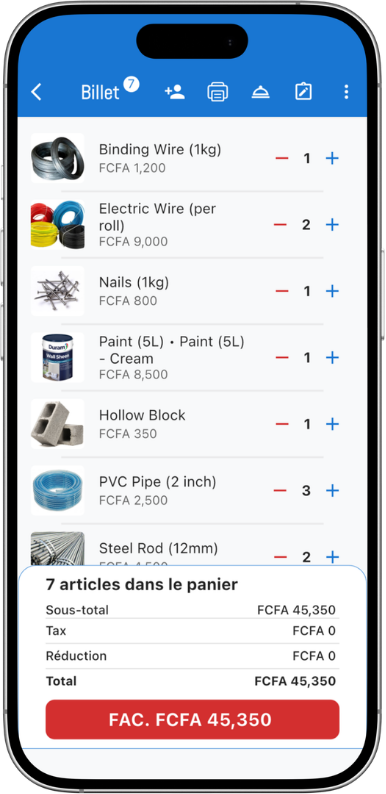
Build the ticket
Search for a product, select it from your catalogue or scan its barcode. Check quantities, units and prices. Apply any permitted discount before requesting payment.
Confirm the payment
Choose the payment method configured for your business and record the amount received. If the customer pays by mobile money, verify the actual payment confirmation before recording the sale as paid.
Finish and check
Complete the sale once, then review its confirmation and receipt. Use the configured print or sharing option. If the result is uncertain, check transaction history before repeating the charge.